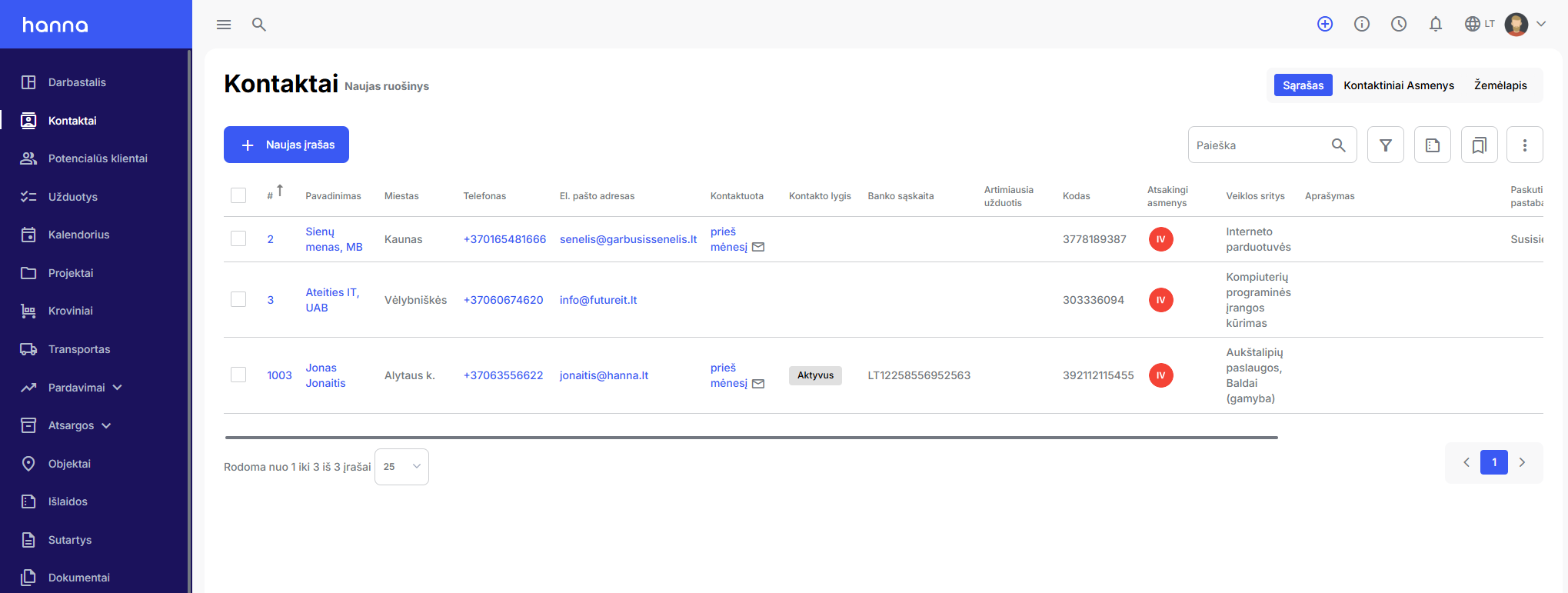
Updated Contacts module
Release date:
We have updated the system and the contacts module - from now on you will be able to create in the modulepreparations, where you can make settings according to which contact records will be displayed.
Templates- these are data indicators with pre-selected filters and their values and table columns. An unlimited number of templates can be created in the system, used as the main views of the module and shared with other users of the system.
How to create a new template?
- First, select in the contacts moduleTemplatesicon and optionNew preparation.

- In the newly opened window, enter the name of the template, specify whether the template will be used as the default and whether it will be shared with other users.

- Filterssection, select which filters you would like to see in your template. You can pre-select filter values or disable the visibility of unused filters.

- Columnssection, select which columns should be visible in the table columns. You can specify the sorting of the columns and the sorting order. You can turn off the visibility of unused columns or change the order by clicking on the marked icon.

-
Save the template - the records will be displayed according to your selections.