
Telephony integrations and call features
Telephony integrations connect customer records, call initiation, missed-call handling, history, and reporting.
Security. Transfer passwords, API keys, or other credentials only through the secure method provided by Hanna Customer Support. Never paste a secret into an email or support request body.
Hanna can connect supported Telia and Tele2 business telephony services to CRM records. Once enabled, the integration can identify an incoming caller, start a call from a Contact, Lead, or Task, retain call history, and provide call reports.
Caller identification and missed calls
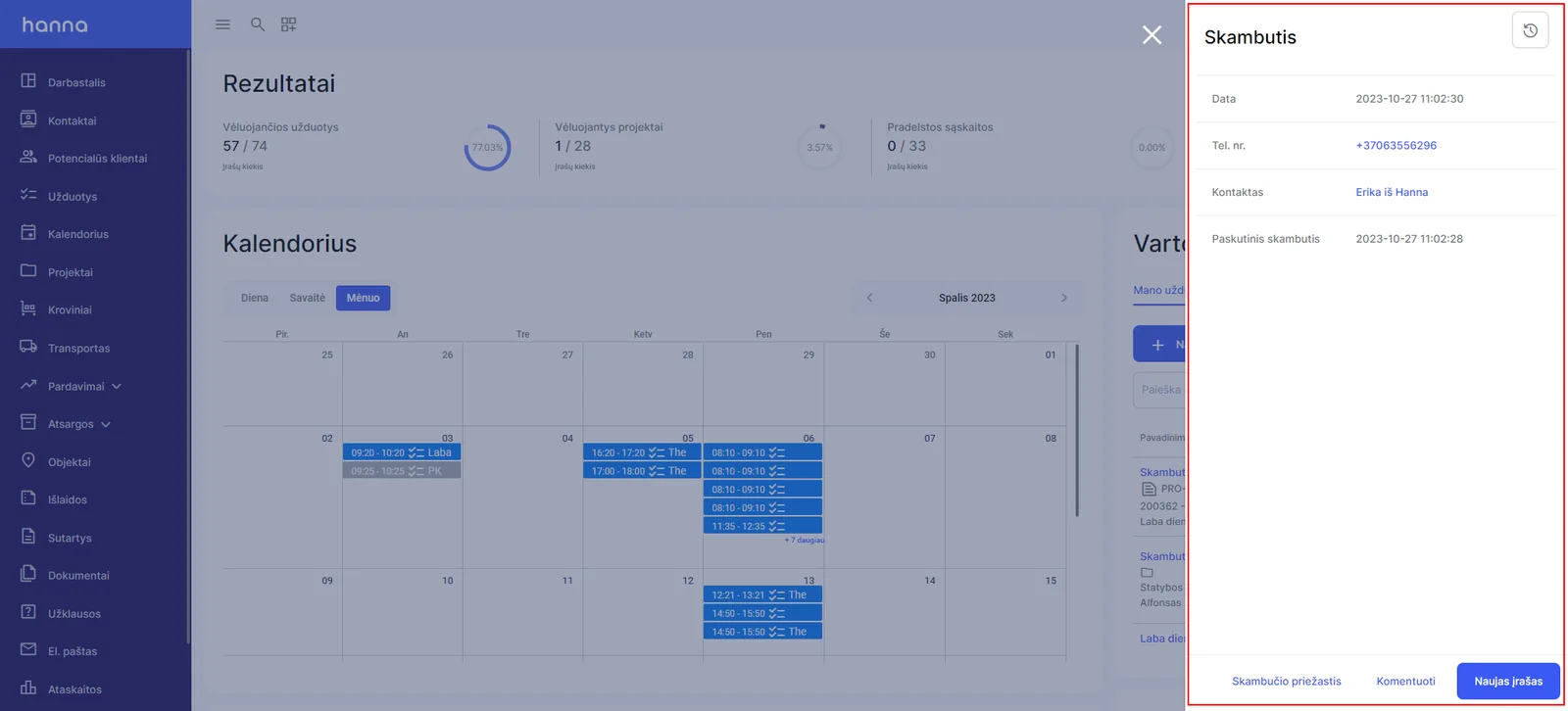
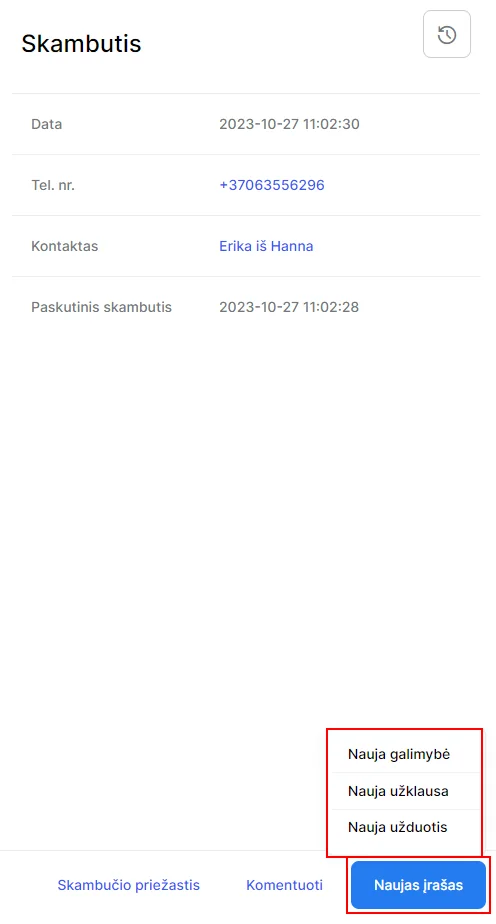
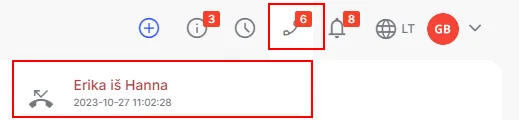
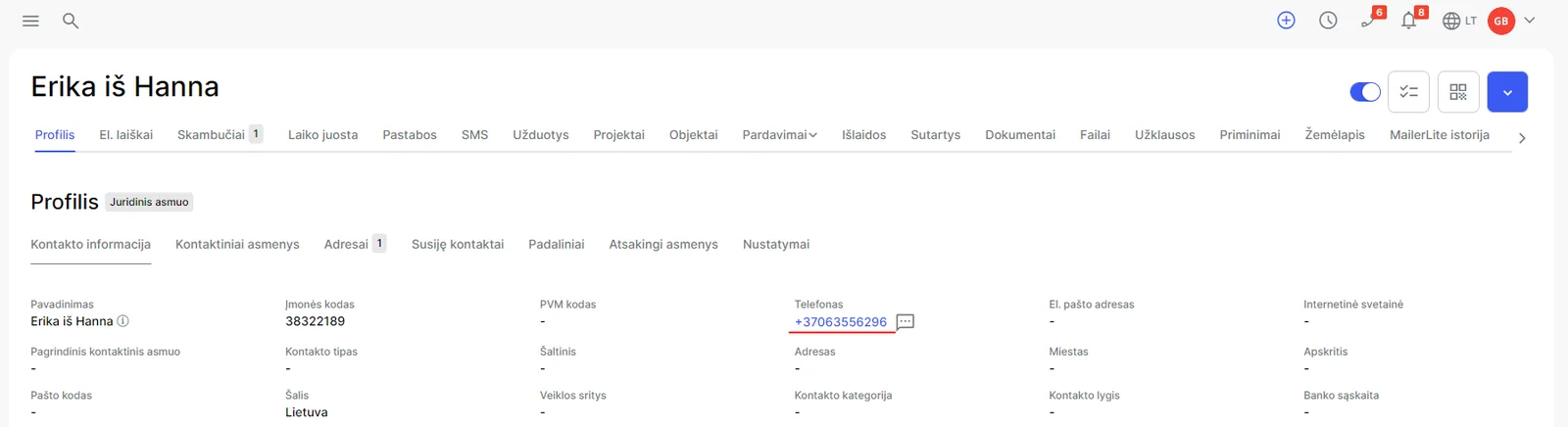
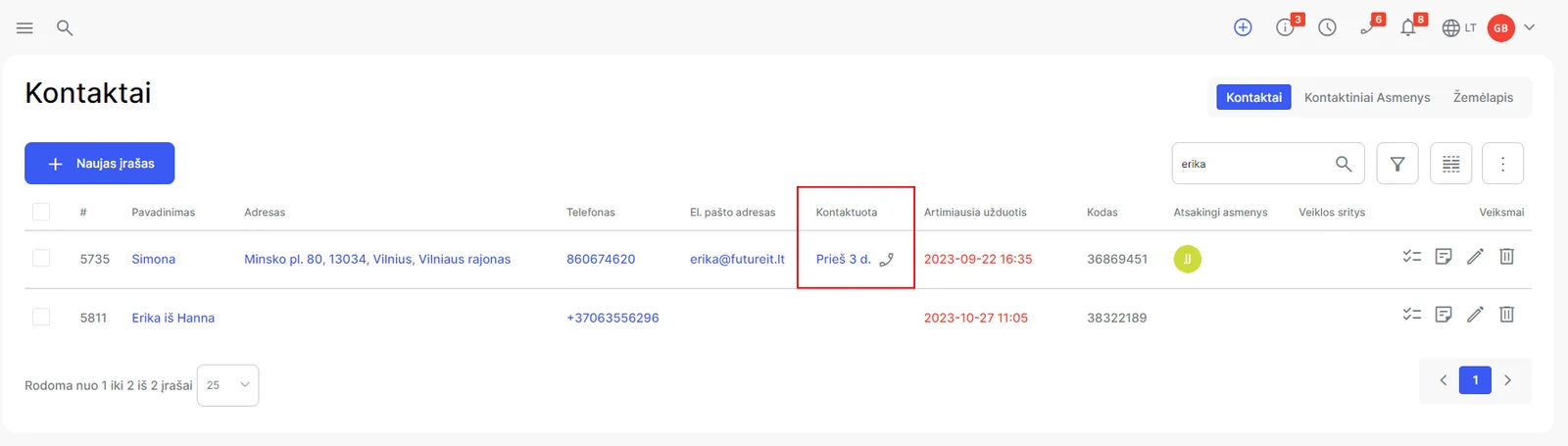
When an incoming number matches a Contact or Lead, Hanna displays the customer and Contact person. From the call card, Staff can record the reason and a comment or create a related action. A missed-call reminder remains available until the customer is contacted, depending on account configuration.
Starting a call
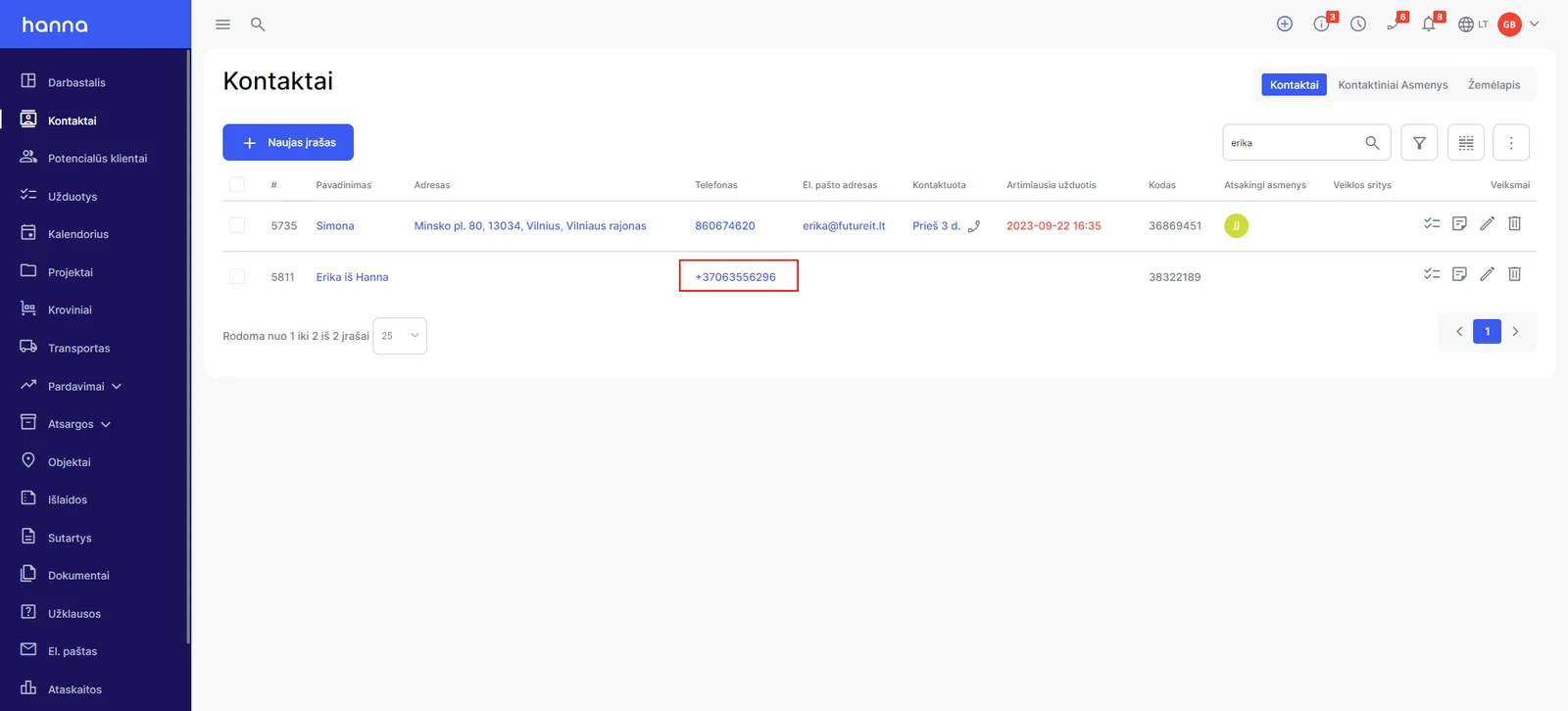
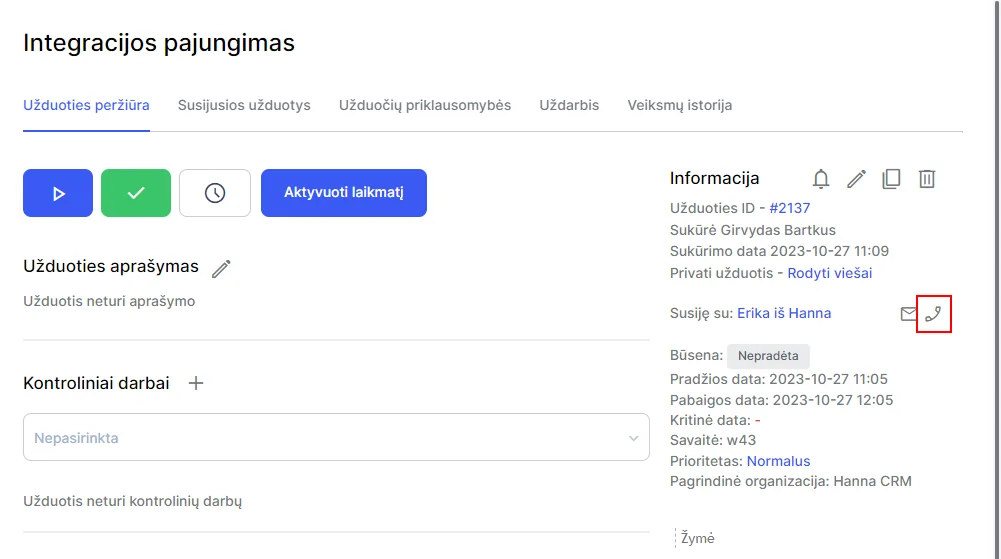
Select an active phone number in a Contact or Lead card, a list, or a Task. Hanna passes the request to the connected telephony application, which starts or asks the user to confirm the call on the mobile device.
History and reports
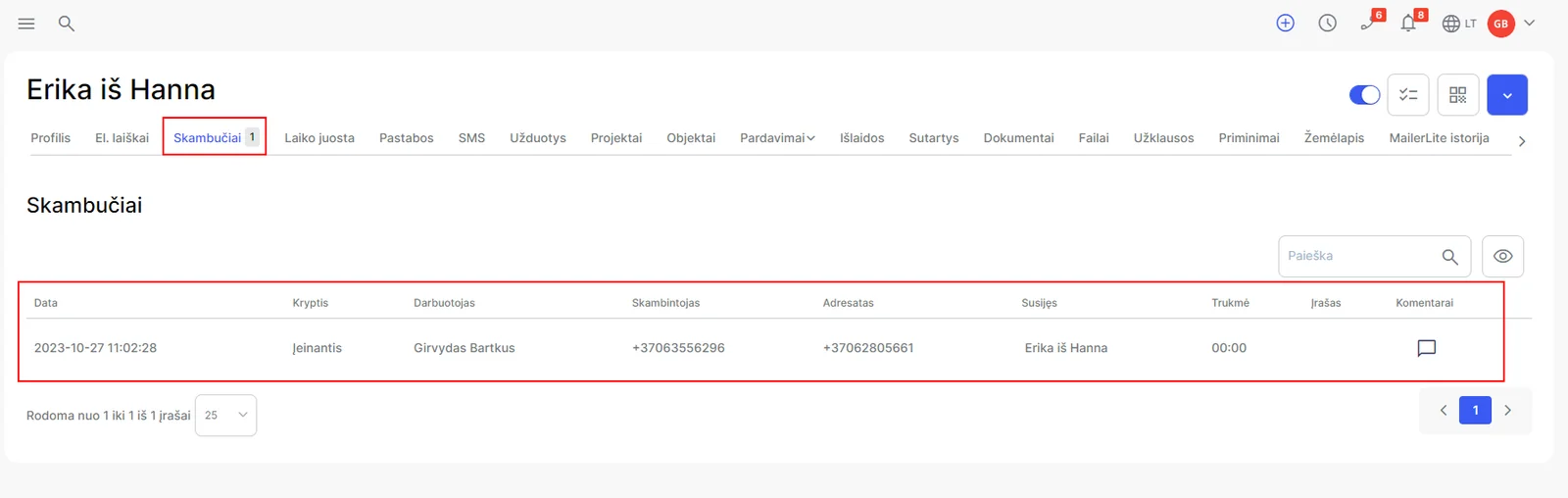
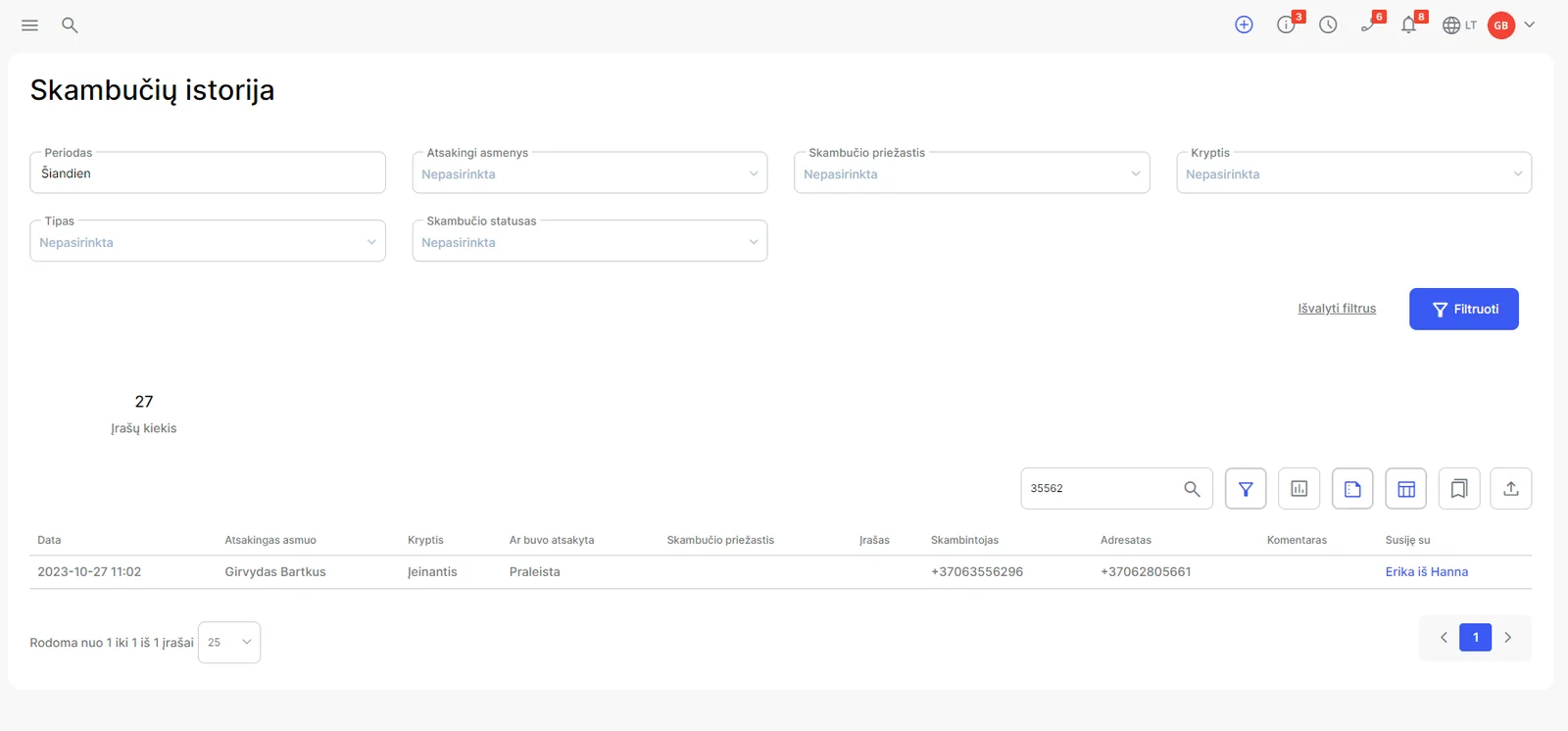
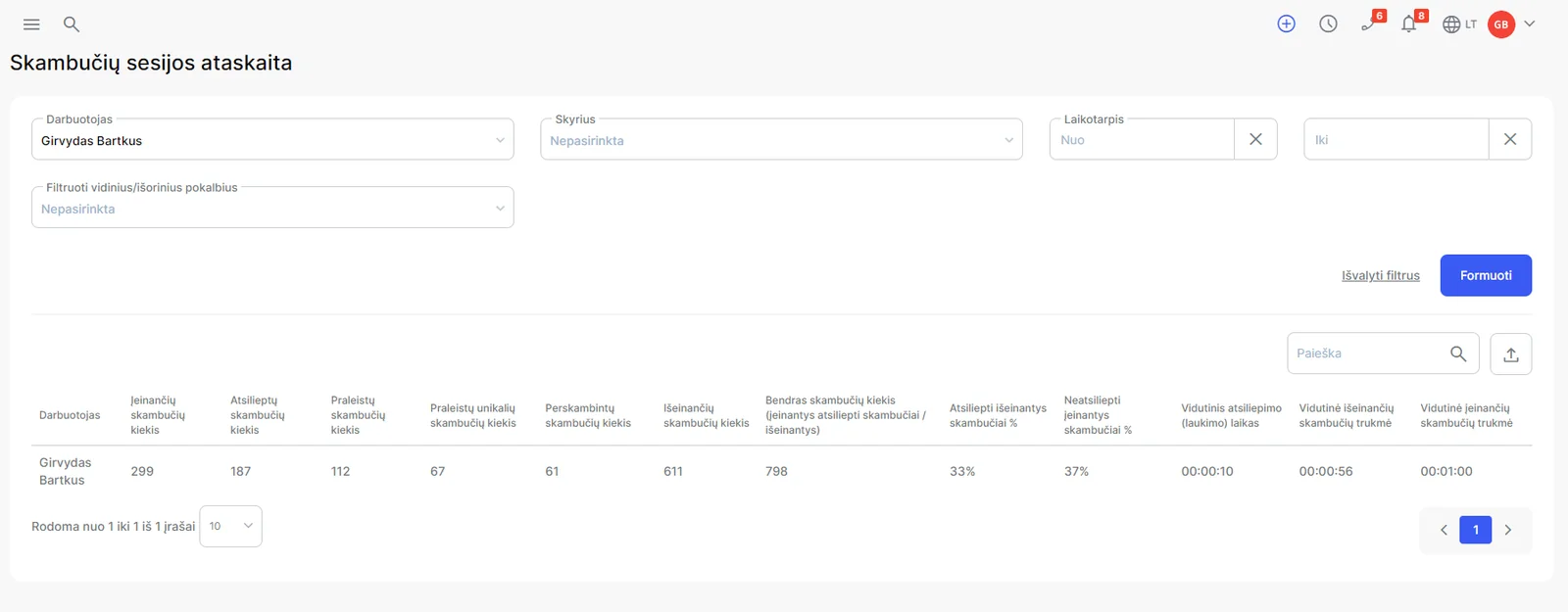
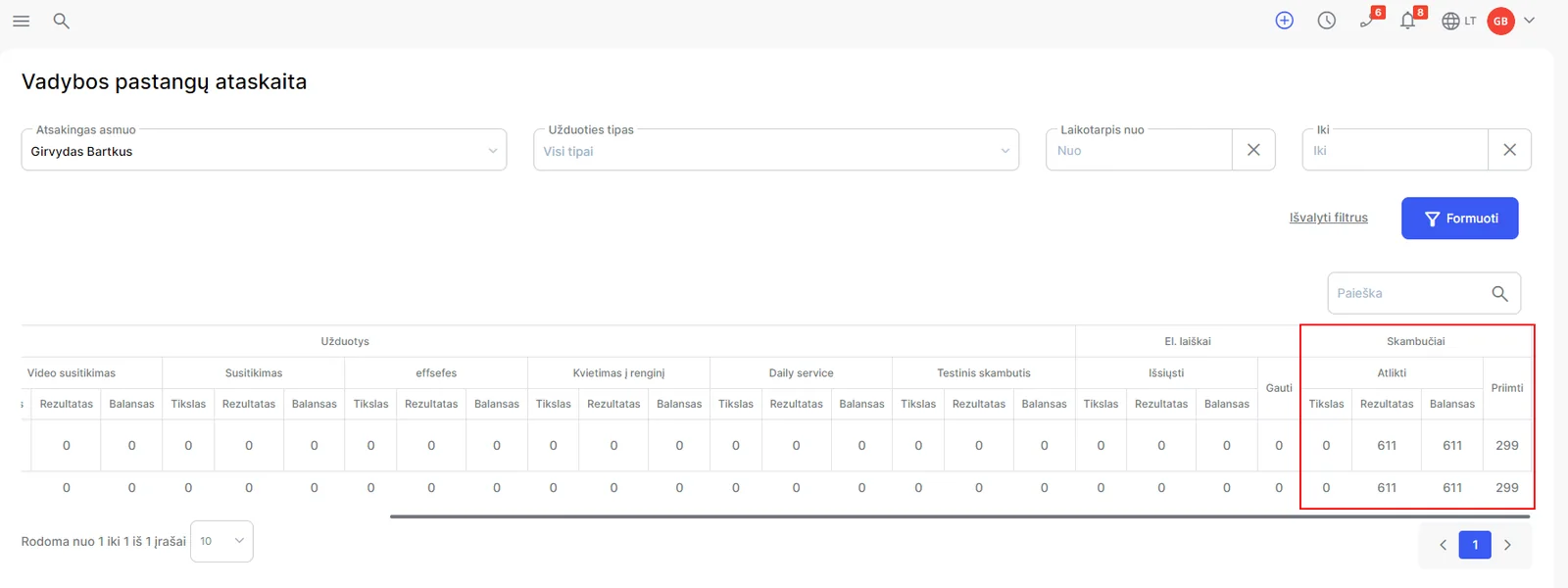
The customer card can show the call date, time, direction, duration, and, where lawfully enabled, the recording. The Reports module can provide call history, Staff call sessions, response time, and comparisons against call goals.
Activate a provider through Hanna Customer Support and transfer credentials only by the secure method provided. Do not include passwords or tokens in the request body.
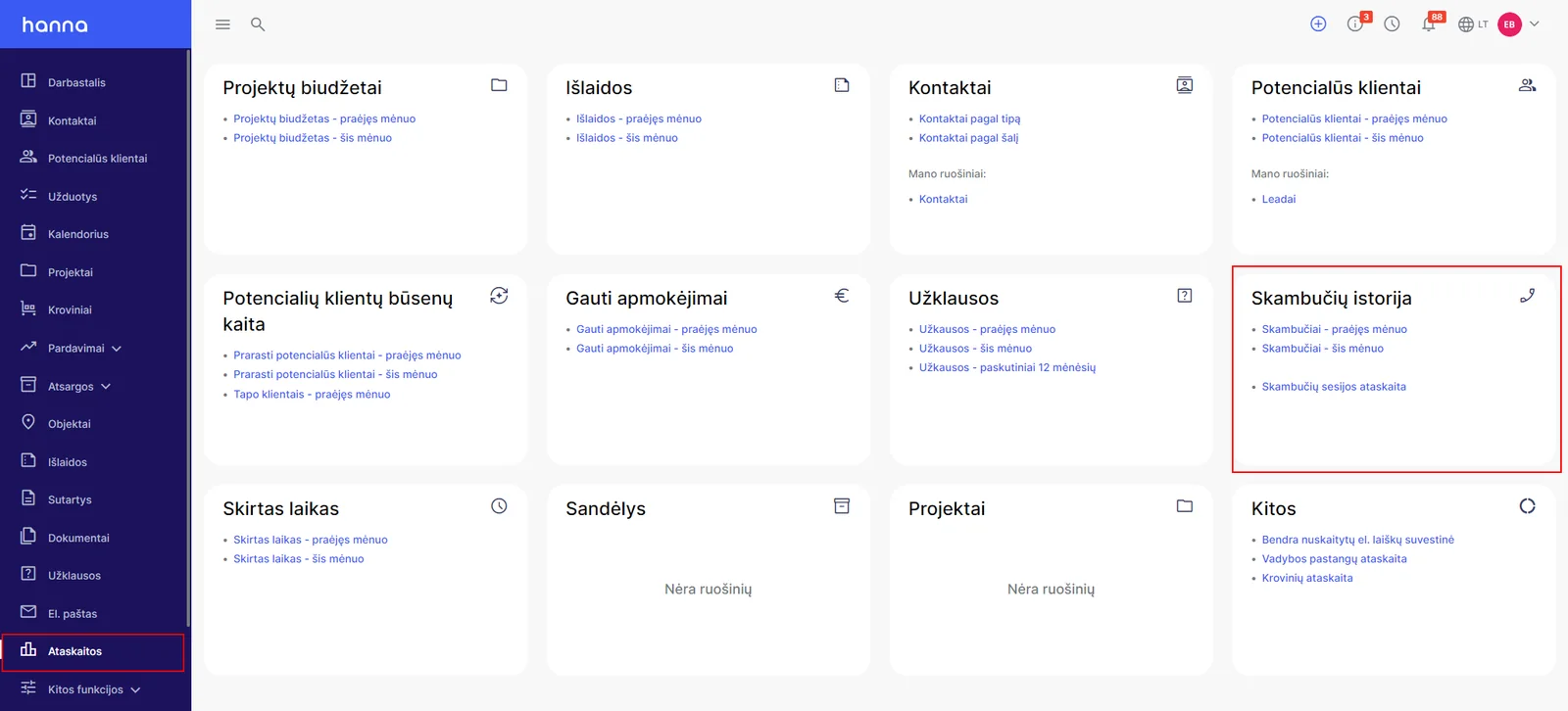
Setup screens
The screens below follow the setup sequence described above. Labels may vary as providers update their interfaces.
Troubleshooting
Check account permissions, integration status, required fields, and the external system log. If the problem persists, send the attempt time, record or event identifier, and visible error to Hanna Customer Support, without credentials.
A call is missing or click-to-call does not work
Caller identification, call initiation, history, and recording playback are separate functions. First establish which one is missing.
The employee is not recognized or call history is missing
- Check which telephony integration your Hanna account uses and whether it is enabled.
- An administrator should verify the employee's mapping to the telephony account. For Tele2, activation settings and assigned phone numbers or telephony Contact IDs matter. For Telia Smart Connect, the employee must be mapped to the phone number.
- If synchronization is limited to activated users, calls belonging to an inactive or unrecognized employee may be excluded. Having an employee account in Hanna is not sufficient by itself.
- Use one test call to check whether the event is also visible at the telephony provider. History may be processed after the call ends and need not appear at the same instant as the incoming-call popup.
Clicking a number does not start a call
Check the destination number and the employee's telephony mapping. Successful caller identification does not by itself prove that outbound calling is configured correctly. If repeated attempts fail, avoid starting several attempts at once: record the time of one attempt and ask an administrator to check the provider response.
The call is visible but its audio recording is missing
Distinguish the call-history row from its audio recording. Playback has separate permissions: access can cover all permitted recordings, the user's own recordings, or recordings within a role hierarchy. If the recording control is missing, an administrator should check the recording permission and the employee assigned to the call. Even with permission, the audio file must be available through the integration in use.
If the problem remains, send Hanna Support the provider, call date and time with time zone, direction, affected employee, CRM record link, and whether the call appears at the provider. Include the call identifier if known. Do not send credentials or the audio recording itself unless needed for the investigation.